Essential Addons
This is an
info box
This text doesn't change size or font, unless I do it with the little editor's box. This is not acceptable, but seems to be consistent with any content entered this way.
And I just discovered that it's because it hard codes it! I must remove that coding for it to work as it should.
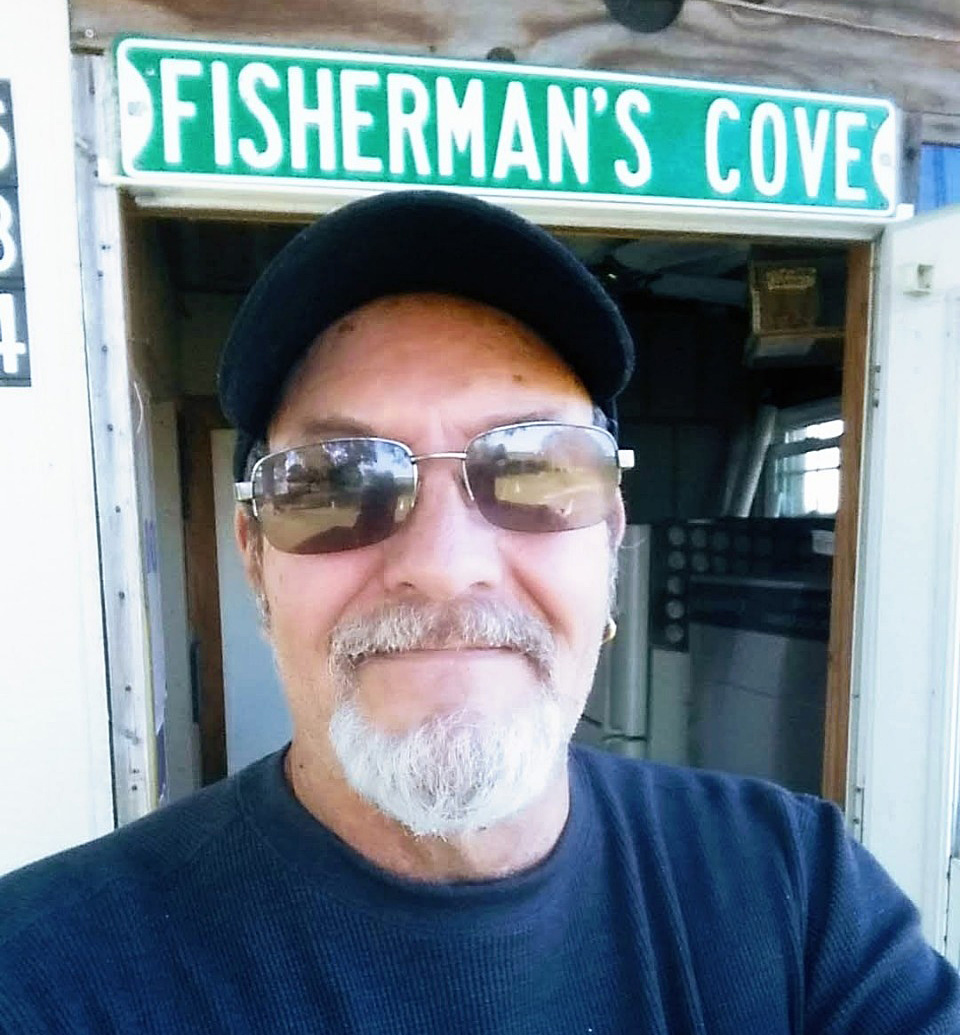
The Advanced Tabs widget is equally as lackluster as the one above.
And the Countdown widget doesn’t seem to work very well either.
Crowdfundly needs an app.
And Fancy Text is too weird for words
Below is the Creative Button
This is the Simple Menu widget
The Better Payment widget needs an app installed, so it’s useless.
Ditto the Easy Jobs widget.
Dual Heading Example
Insert a meaningful line to evaluate the headline.
EmbedPress needs an app installed.
Call to Action Widget
Add a strong one liner supporting the heading above and giving users a reason to click on the button below.
Click HereBelow is the Events Calendar widget.
-
Feature List widget
Lorem ipsum dolor sit amet, consectetur adipisi cing elit, sed do eiusmod tempor incididunt ut abore et dolore magna
-
Feature Item 2
Lorem ipsum dolor sit amet, consectetur adipisi cing elit, sed do eiusmod tempor incididunt ut abore et dolore magna
-
Feature Item 3
Lorem ipsum dolor sit amet, consectetur adipisi cing elit, sed do eiusmod tempor incididunt ut abore et dolore magna
Below is the Flip Box widget
Full of potential possibilities!
Front Title
This is front side content.
Back Title
This is back side content.
Below is the Filterable Gallery widget. Some things work just fine and others don’t seem to work at all. It will require more study if I ever want to use it.
- All
- Musicians
- Encinitas
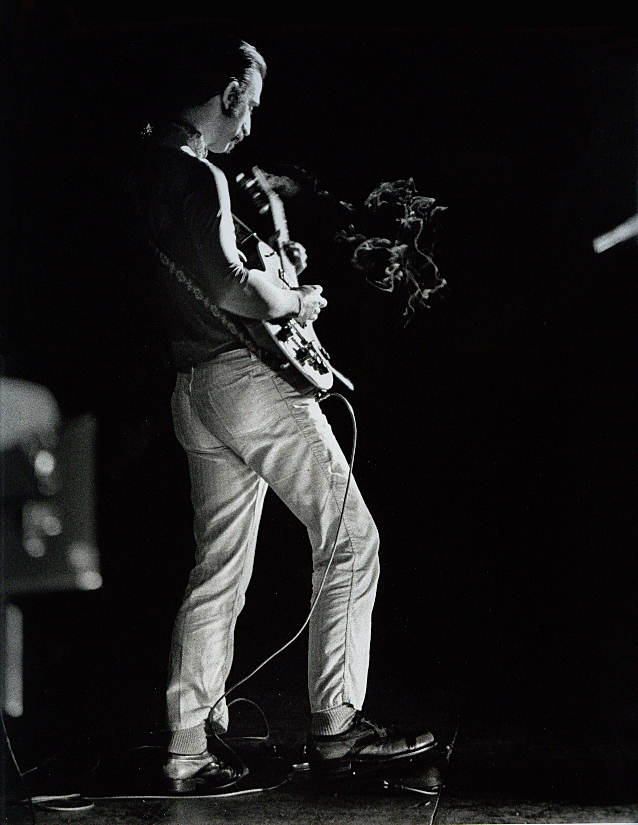
Frank Zappa #1
Frank Zappa in San Diego, 1970.
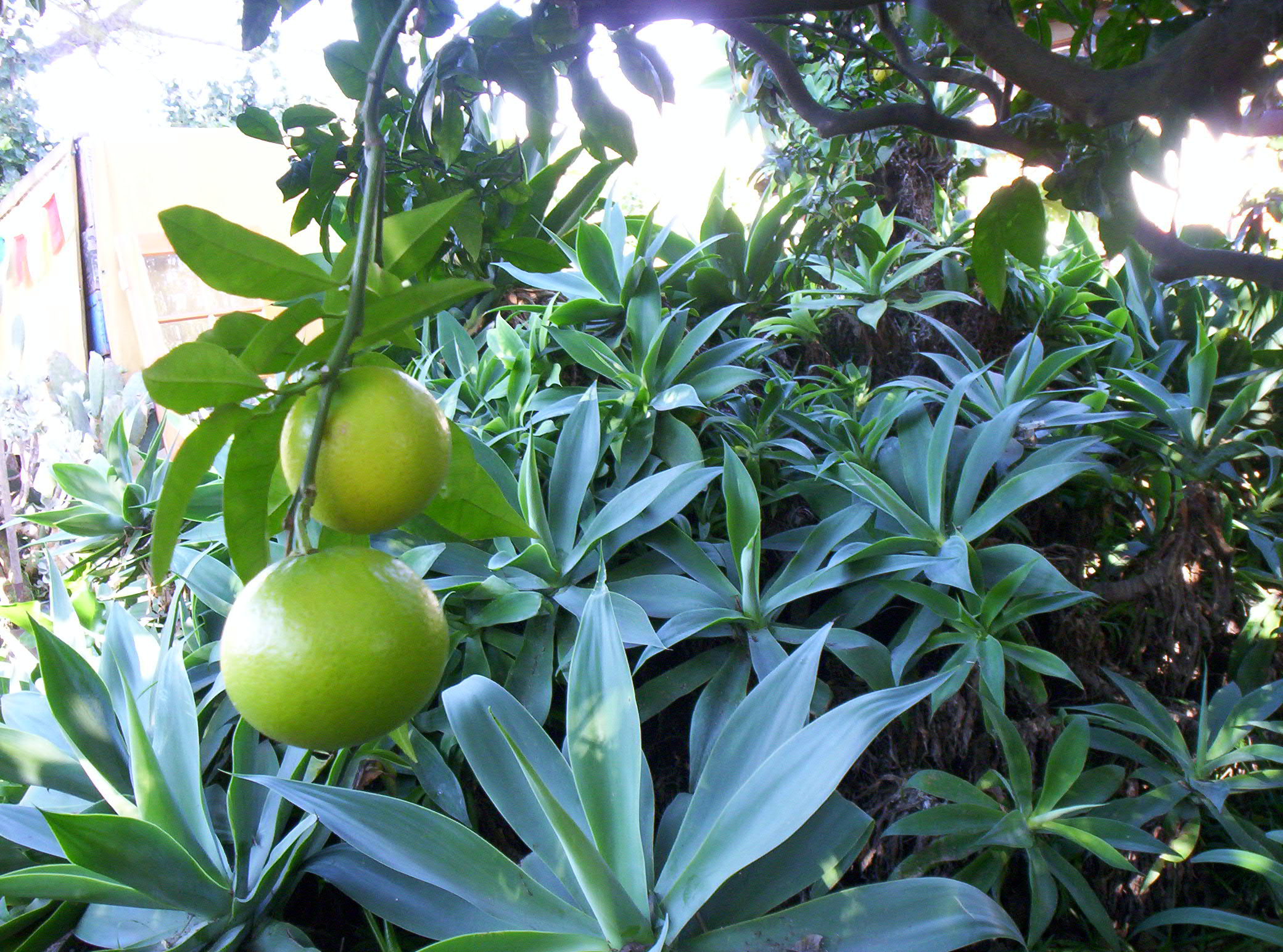
Garden
The garden of the house in Encinitas.

Gallery Item Name
Lorem ipsum dolor sit amet, consectetur adipisicing elit. Quidem, provident.
Gallery Item Name
Lorem ipsum dolor sit amet, consectetur adipisicing elit. Quidem, provident.
Interactive Circle widget
Present your content in an attractive Circle layout item 1. You can highlight key information with click or hover effects and style it as per your preference.

Add testimonial description here. Edit and place your own text.
John Doe
Codetic
| Table Header | Table Header | Table Header | Table Header | Table Header |
|---|---|---|---|---|
|
Content |
Content |
Content |
Content |
|
|
Content |
Content |
|
Content |
Content |